

How LifterLMS Integrates with the WordPress Abilities API
LifterLMS natively integrates with the WordPress Abilities API, which allows you to connect your WordPress learning management system with modern AI agents, developer tools, and automation workflows.
This guide answers common questions about what this feature is, what it can do, and how it fits into your course creation and management process.
The WordPress Abilities API allows AI models, coding assistants, and external automation tools to safely discover and interact with WordPress features.
LifterLMS registers functionality for courses, sections, lessons, memberships, access plans, students, enrollments, and progress as discoverable WordPress Abilities. Compatible tools can then discover and execute those abilities according to the connected user’s permissions, without requiring custom API wrappers for each tool.
When AI agents are connected to the Abilities API, they can read, query, and structure data across the primary LifterLMS building blocks, including:
- Courses & Curricula: Discover sections, lessons, and course outlines.
- Memberships & Access Plans: Inspect pricing tables, access rules, and membership levels.
- Students & Enrollments: Retrieve student lists, course enrollment statuses, and progress metrics.
While AI can quickly draft lesson boilerplates, pull reporting data, or organize course outlines, it cannot replace:
- Subject Matter Expertise: Your real-world experience, insights, and unique voice.
- Instructional Design: The pedagogical empathy required to structure learning pathways that resonate with human students.
- Community & Mentorship: Authentic interaction, feedback, and student relationships.
LifterLMS integration with the WordPress Abilities API is built on open WordPress standards, which means you are never locked into a single company, platform, or AI vendor.
Once you connect LifterLMS to a compatible adapter or tool, supported AI clients can discover and use the available LifterLMS abilities according to the connected user’s permissions.
- AI Coding Tools & Agents: Claude Code, Cursor IDE, OpenAI Codex, and GitHub Copilot.
- AI Models: Anthropic Claude, OpenAI models, and local open-source LLMs.
- Protocols & Plugins: Model Context Protocol (MCP) servers for WordPress, WP-CLI AI wrappers, and automated task runner plugins built for WordPress.
Because WordPress provides the Abilities framework natively, you have two primary ways to connect your AI workflows: The official first-party adapter route or third-party WordPress AI plugins.
Option 1: WordPress MCP Adapter
The WordPress MCP Adapter is an official open-source adapter that exposes your site’s registered WordPress abilities to MCP-compatible AI clients without adding a complex interface to your WordPress admin dashboard.
Why it’s useful for LifterLMS users:
- Zero UI Bloat: It acts purely as a secure bridge between your server and external AI clients.
- Ideal for Developer & Admin Tools: Perfect if you work with external AI clients like Claude Desktop, Cursor IDE, or Claude Code in your terminal.
- Direct Site Access: Allows external agents to inspect and interact with available LifterLMS site data through registered WordPress abilities.
How to use it:
- Download the ZIP file from GitHub, then install and activate the mcp-adapter plugin on your WordPress site.
- If you are connecting to your WordPress site remotely over HTTP, generate an Application Password in your WordPress user profile.
- Configure your external AI client (e.g., Claude Desktop or Cursor) to connect to your WordPress site URL using the adapter endpoint.
- Prompt your AI client: “List all sections and lessons in LifterLMS Course ID 12.” The AI client discovers the registered LifterLMS ability and pulls the data directly.
Option 2: Using Third-Party Plugins
If you prefer to manage AI capabilities, custom chatbots, and automation workflows directly from your WordPress admin dashboard (wp-admin), third-party plugins can build on the Abilities API with rich visual interfaces.
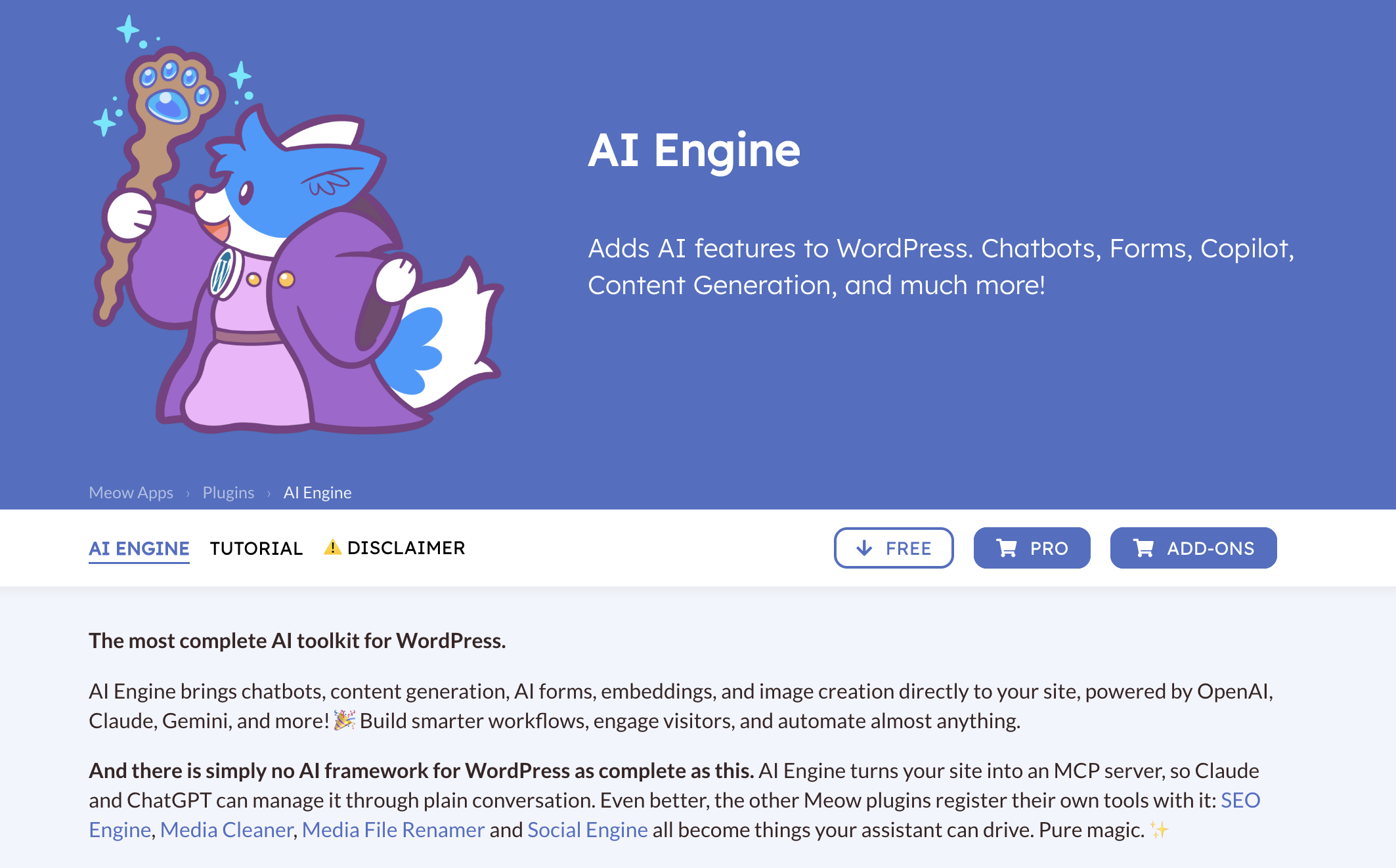
1. AI Engine by Jordy Meow
AI Engine is a WordPress AI framework that includes a built-in MCP server, an AI Workspace, and customizable chatbot builders. It allows LifterLMS administrators to query course capabilities, student progress, and curricula directly from an AI chat window within wp-admin, without needing terminal tools or external applications.
The plugin also supports multiple providers, including OpenAI, Anthropic Claude, Google Gemini, and local models running on Ollama.
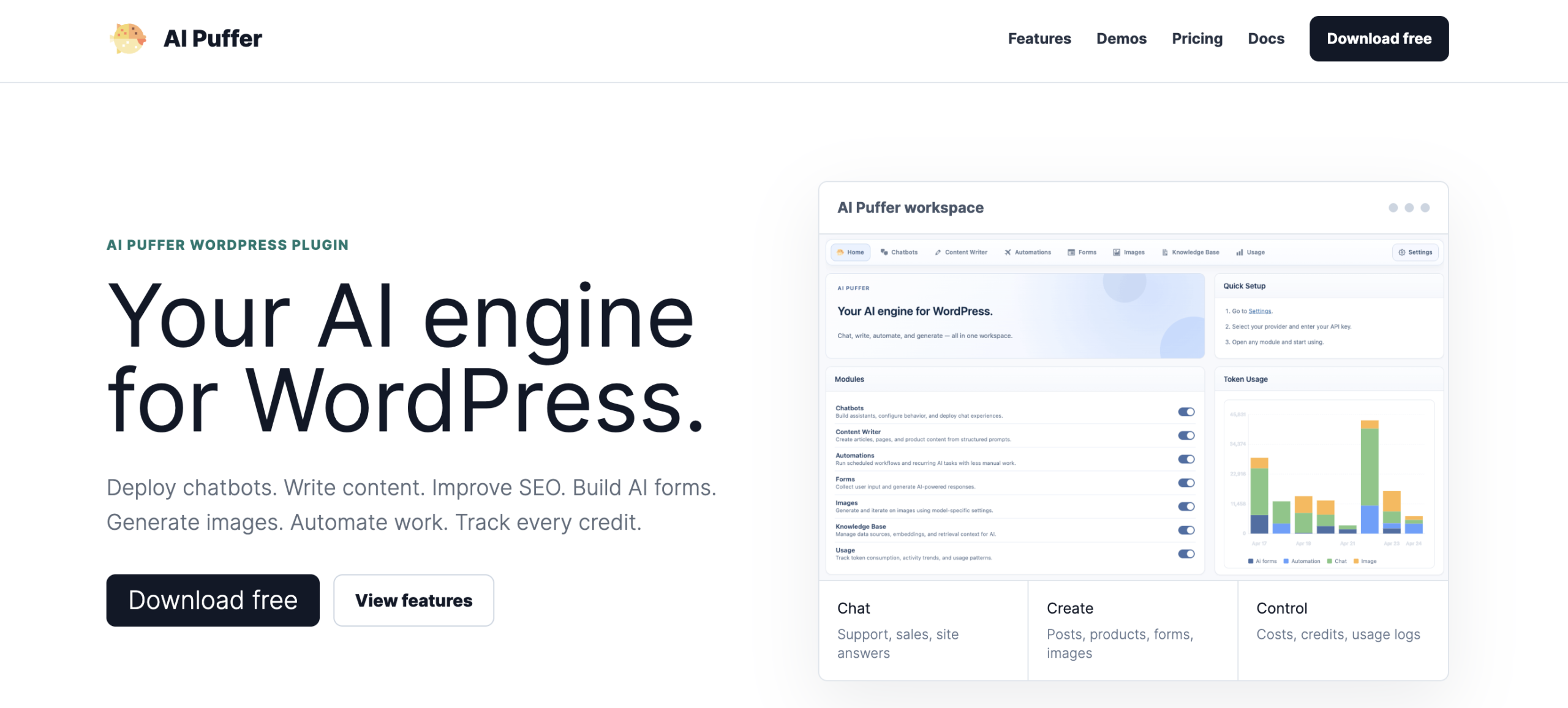
2. AI Puffer
AI Puffer is an all-in-one WordPress AI suite designed for automated content generation, custom form building, and bulk workflow automation. LifterLMS users can use it with available course structure abilities to generate lesson drafts, content summaries, and quiz questions.
3. WPVibe
WPVibe is an MCP server that connects a self-hosted WordPress site to AI tools such as Claude, ChatGPT, and Cursor. It supports the WordPress Abilities API, allowing compatible LifterLMS abilities to be accessed through conversational prompts. Some capabilities demonstrated in the webinar below, including quizzes and certificates, require LifterLMS 10.2 or later.
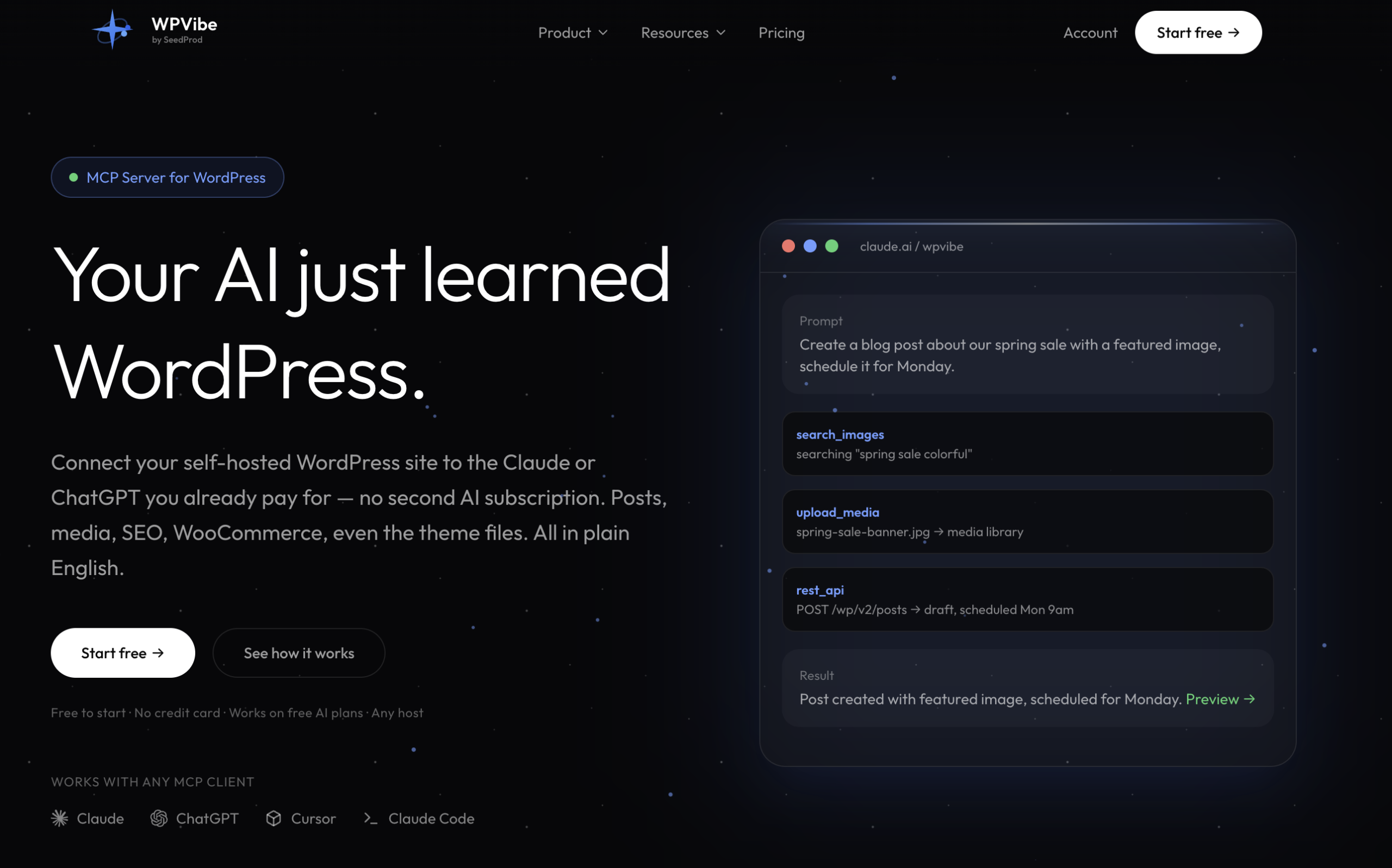
Watch this webinar to see WPVibe and LifterLMS working together with AI tools.


