How can you update users’ certificates?
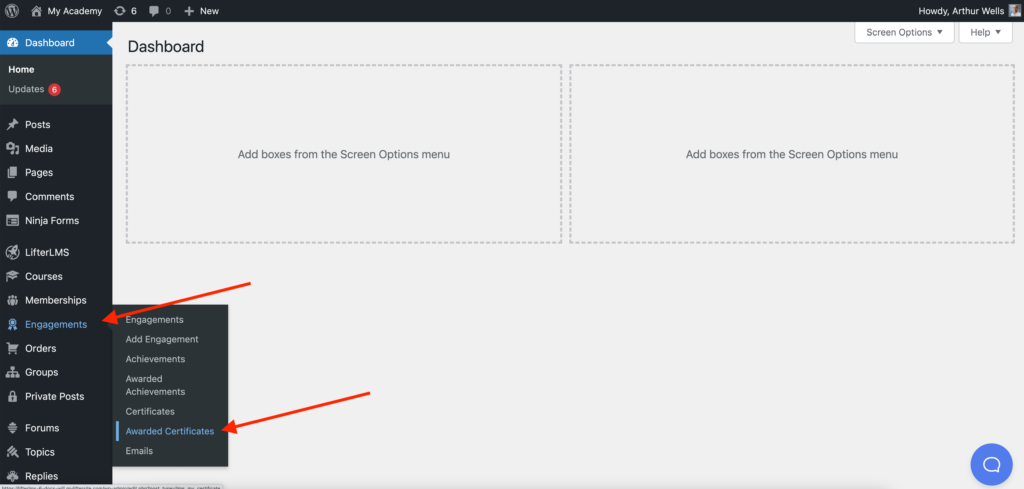
Starting in LifterLMS version 6.0, you can update a user’s Certificate by heading to Engagements > Awarded Certificates
Video Demo
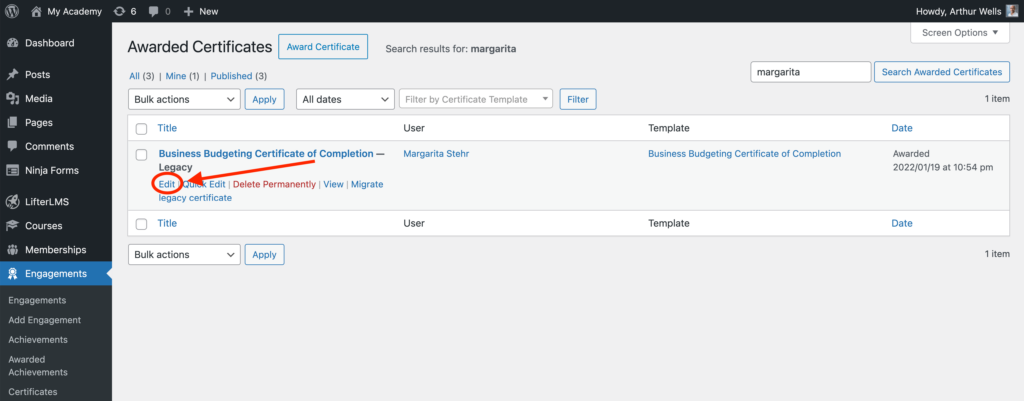
Search the student or certificate you’re looking for and click on ‘Edit‘ on the certificates list
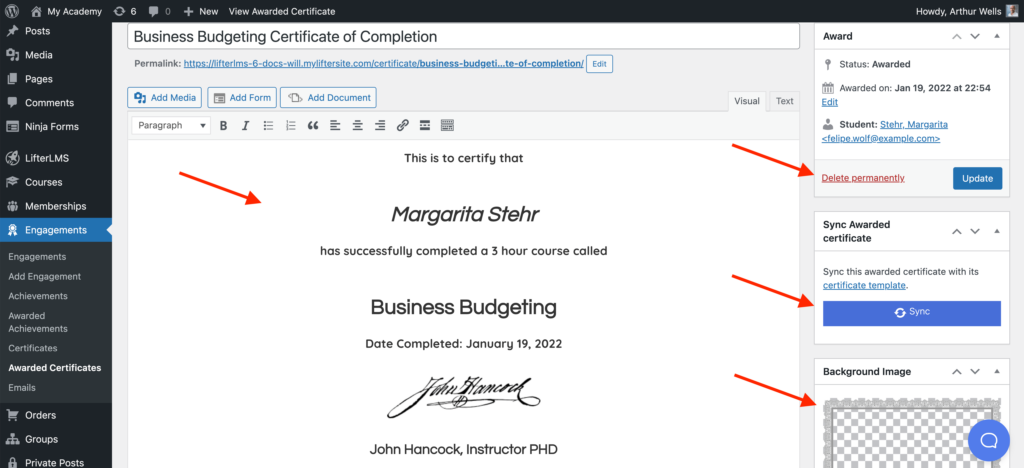
From the edit certificate page, you can update any text, update the background image, delete the certificate, or sync it with the current version of the template it was created from. (Syncing will take the properties of the current certificate template such as background image, text, and formatting, and apply it to the certificate you’re currently viewing. This will only work if your certificate was created from a template initially)