How a Student Can Update Account Information
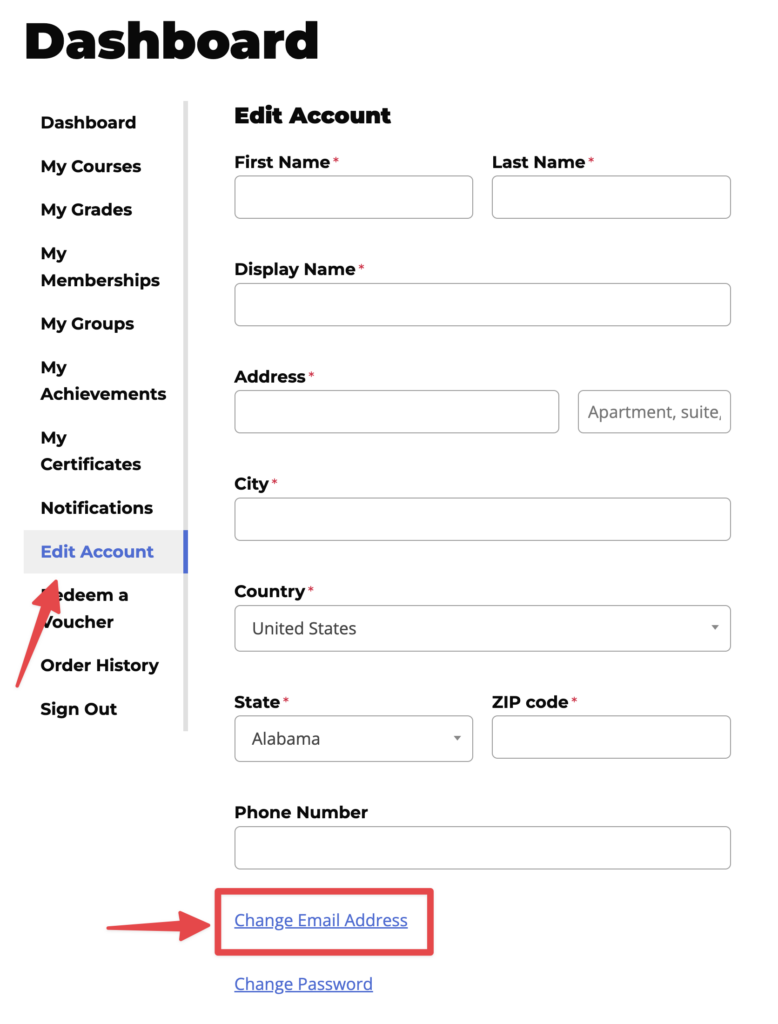
A student can update their account information on the Edit Account page.
- Navigate to the “Edit Account” page from the Dashboard
- Click on “Change Email Address”
- Enter your new account information
- Click the Save button