

How a Student Can Change their Password
A student can change their password by doing the following:
- Log into the site.
- From the My Courses page click on the Edit Account link.
- Click on the Change Password link.
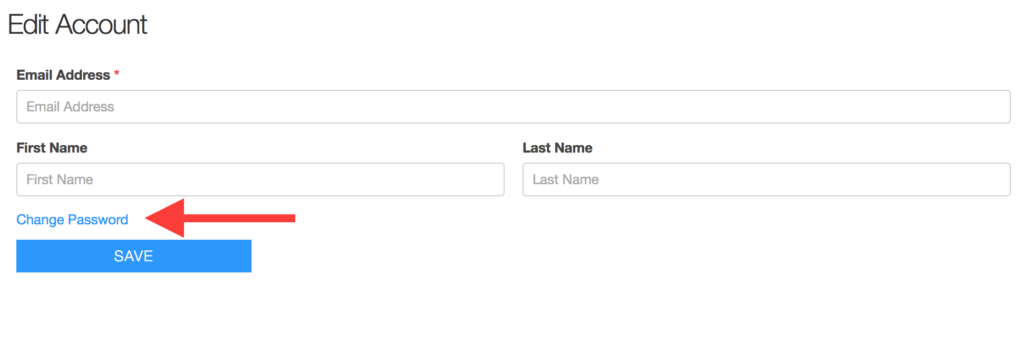
- Enter the current password and new password.
- Click the Save button


